
4.1 KiB
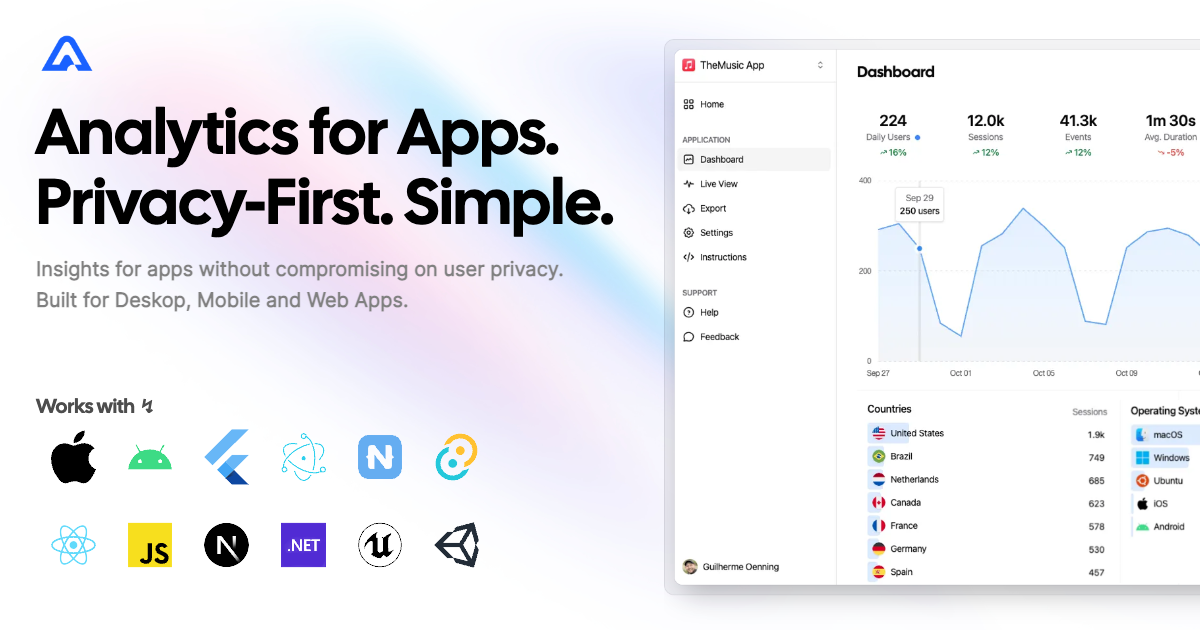
Aptabase SDK for React Apps
A tiny SDK (1 kB) to instrument your React apps with Aptabase, an Open Source, Privacy-First and Simple Analytics for Mobile, Desktop and Web Apps.
Setup
- Install the SDK using npm or your preferred JavaScript package manager
npm add @aptabase/reactGet your
App Keyfrom Aptabase, you can find it in theInstructionsmenu on the left side menu.Initialize the
AptabaseProvidercomponent to your app based on your framework.
Setup for Next.js (App Router)
Add AptabaseProvider to your RootLayout component:
import { AptabaseProvider } from '@aptabase/react';

export default function RootLayout({ children }: { children: React.ReactNode }) {
  return (
    <html lang="en">
      <body>
        <AptabaseProvider appKey="<YOUR_APP_KEY>">{children}</AptabaseProvider>
      </body>
    </html>
  );
}
Setup for Next.js (Pages Router)
Add AptabaseProvider to your _app
component:
import { AptabaseProvider } from '@aptabase/react';
import type { AppProps } from 'next/app';

export default function App({ Component, pageProps }: AppProps) {
  return (
    <AptabaseProvider appKey="<YOUR_APP_KEY>">
      <Component {...pageProps} />
    </AptabaseProvider>
  );
}
Setup for Remix
Add AptabaseProvider to your
entry.client.tsx file:
import { AptabaseProvider } from '@aptabase/react';
import { RemixBrowser } from '@remix-run/react';
import { startTransition, StrictMode } from 'react';
import { hydrateRoot } from 'react-dom/client';

startTransition(() => {
  hydrateRoot(
    document,
    <StrictMode>
      <AptabaseProvider appKey="<YOUR_APP_KEY>">
        <RemixBrowser />
      </AptabaseProvider>
    </StrictMode>,
  );
});
Setup for Create React App or Vite
Add AptabaseProvider to your root component:
import { AptabaseProvider } from '@aptabase/react';

ReactDOM.createRoot(root).render(
  <React.StrictMode>
    <AptabaseProvider appKey="<YOUR_APP_KEY>">
      <YourApp />
    </AptabaseProvider>
  </React.StrictMode>,
);
Advanced setup
The AptabaseProvider also supports an optional second
parameter, which is an object with the appVersion
property.
It’s up to you to decide how to get the version of your app, but it’s generally recommended to use your bundler (like Webpack, Vite, Rollup, etc.) to inject the values at build time. Alternatively you can also pass it in manually.
It’s up to you to decide what to get the version of your app, but it’s generally recommended to use your bundler (like Webpack, Vite, Rollup, etc.) to inject the values at build time.
Tracking Events with Aptabase
After setting up the AptabaseProvider, you can then
start tracking events using the useAptabase hook.
Here’s an example of a simple counter component that tracks the
increment and decrement events:
'use client';

import { useState } from 'react';
import { useAptabase } from '@aptabase/react';

export function Counter() {
  const { trackEvent } = useAptabase();
  const [count, setCount] = useState(0);

  function increment() {
    setCount((c) => c + 1);
    trackEvent('increment', { count });
  }

  function decrement() {
    setCount((c) => c - 1);
    trackEvent('decrement', { count });
  }

  return (
    <div>
      <p>Count: {count}</p>
      <button onClick={increment}>Increment</button>
      <button onClick={decrement}>Decrement</button>
    </div>
  );
}
A few important notes:
- The SDK will automatically enhance the event with some useful information, like the OS and other properties.
- You’re in control of what gets sent to Aptabase. This SDK does not
automatically track any events, you need to call
trackEventmanually.- Because of this, it’s generally recommended to at least track an event at startup
- You do not need to await the
trackEventfunction, it’ll run in the background. - Only strings and numeric values are allowed on custom properties