
Aptabase SDK for Browser Extensions
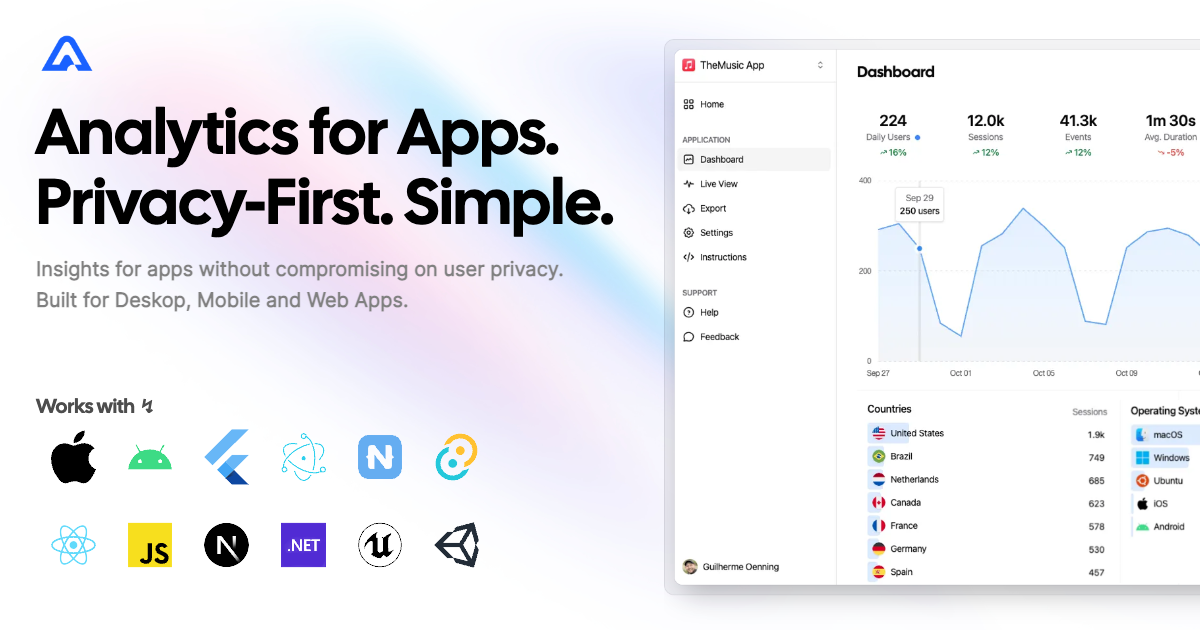
A tiny SDK (1 kB) to instrument your Browser/Chrome extensions with Aptabase, an Open Source, Privacy-First and Simple Analytics for Mobile, Desktop and Web Apps.
Install
Install the SDK using npm or your preferred JavaScript package manager
npm add @aptabase/browserUsage
First you need to get your App Key from Aptabase, you
can find it in the Instructions menu on the left side
menu.
Initialize the SDK in your Background Script using your
App Key:
import { init } from '@aptabase/browser';

init('<YOUR_APP_KEY>'); // 👈 this is where you enter your App Key
The init function also supports an optional second
parameter, which is an object with the isDebugproperty.
Your data is segregated between development and production environments,
so it’s important to set this value correctly. By default the SDK will
check if the extension was installed from an Extension Store, and if it
wasn’t it’ll assume it’s in development mode. If you want to override
this behavior, you can set theisDebug property.
Afterwards you can start tracking events with trackEvent
from anywhere in your extension:
import { trackEvent } from '@aptabase/browser';

trackEvent('connect_click'); // An event with no properties
trackEvent('play_music', { name: 'Here comes the sun' }); // An event with a custom property
A few important notes:
- The SDK will automatically enhance the event with some useful information, like the OS, the app version, and other things.
- You’re in control of what gets sent to Aptabase. This SDK does not
automatically track any events, you need to call
trackEventmanually.- Because of this, it’s generally recommended to at least track an event at startup
- You do not need to await the
trackEventfunction, it’ll run in the background. - Only strings and numeric values are allowed on custom properties